
How it works
How Repair Hub Pro works
Every step of a repair, from shop setup to the reports at the end of the month. This is the operational side of the shop — your POS keeps handling the money.
The workflow
Your repair workflow, simplified
Seven clear stages. One place for the job record.
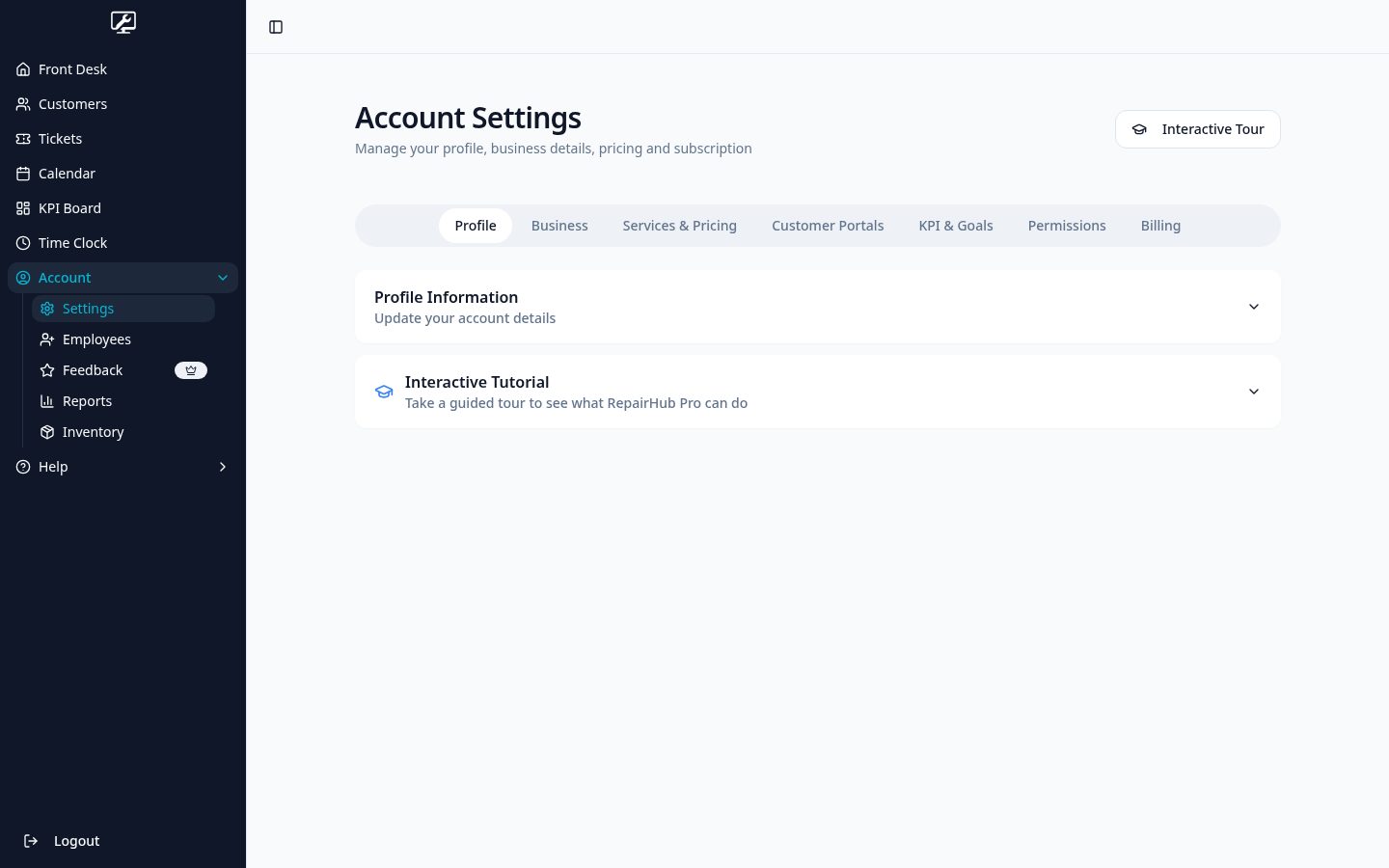
Set up your shop
Add your business details, logo, brand color, labor rate, parts markup, item types and predefined services with standard times. Everything downstream uses these settings.
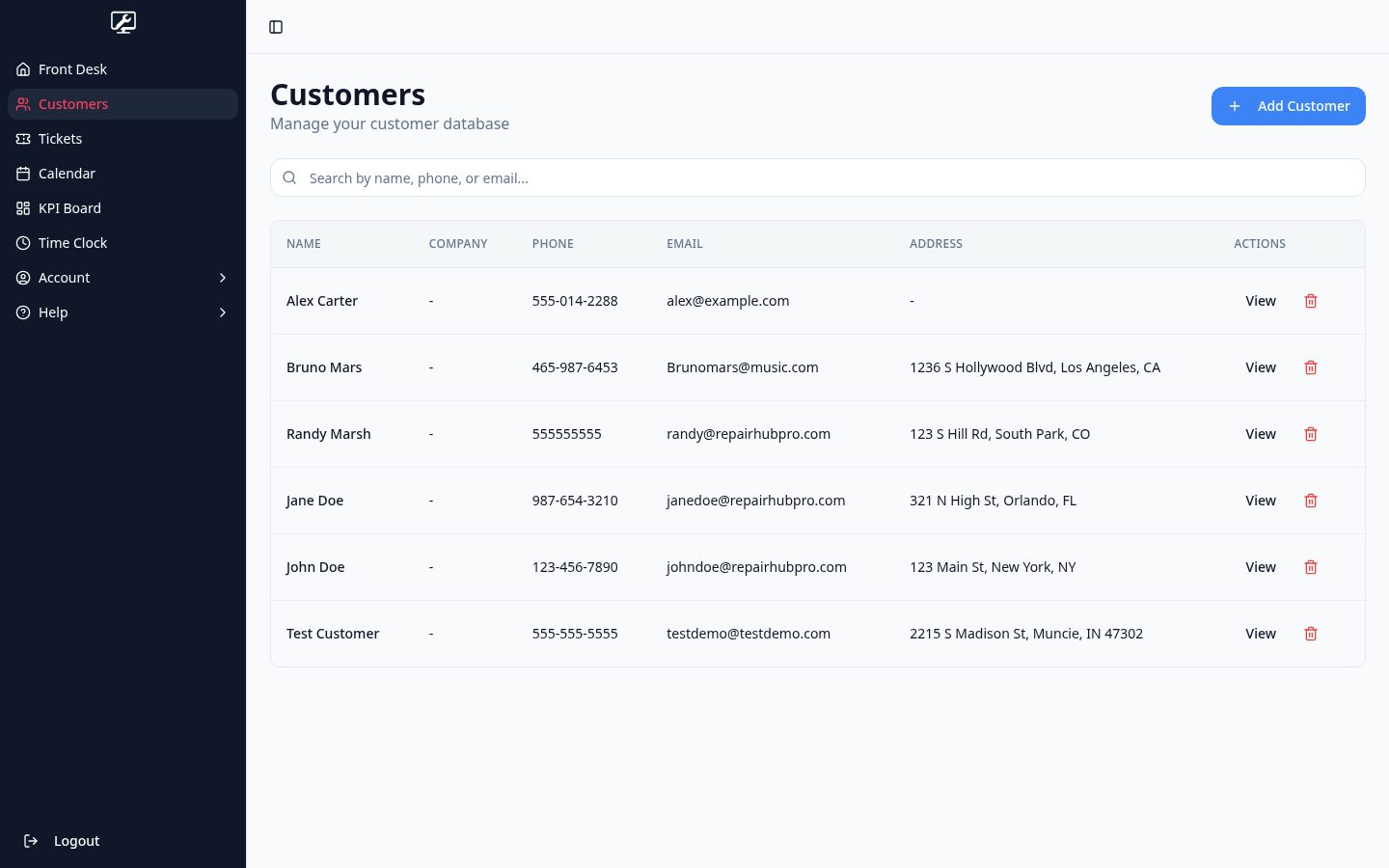
Add customers
Create customer records with contact details, optional company name and address. Search by name or phone from the front desk and land on the full service history.
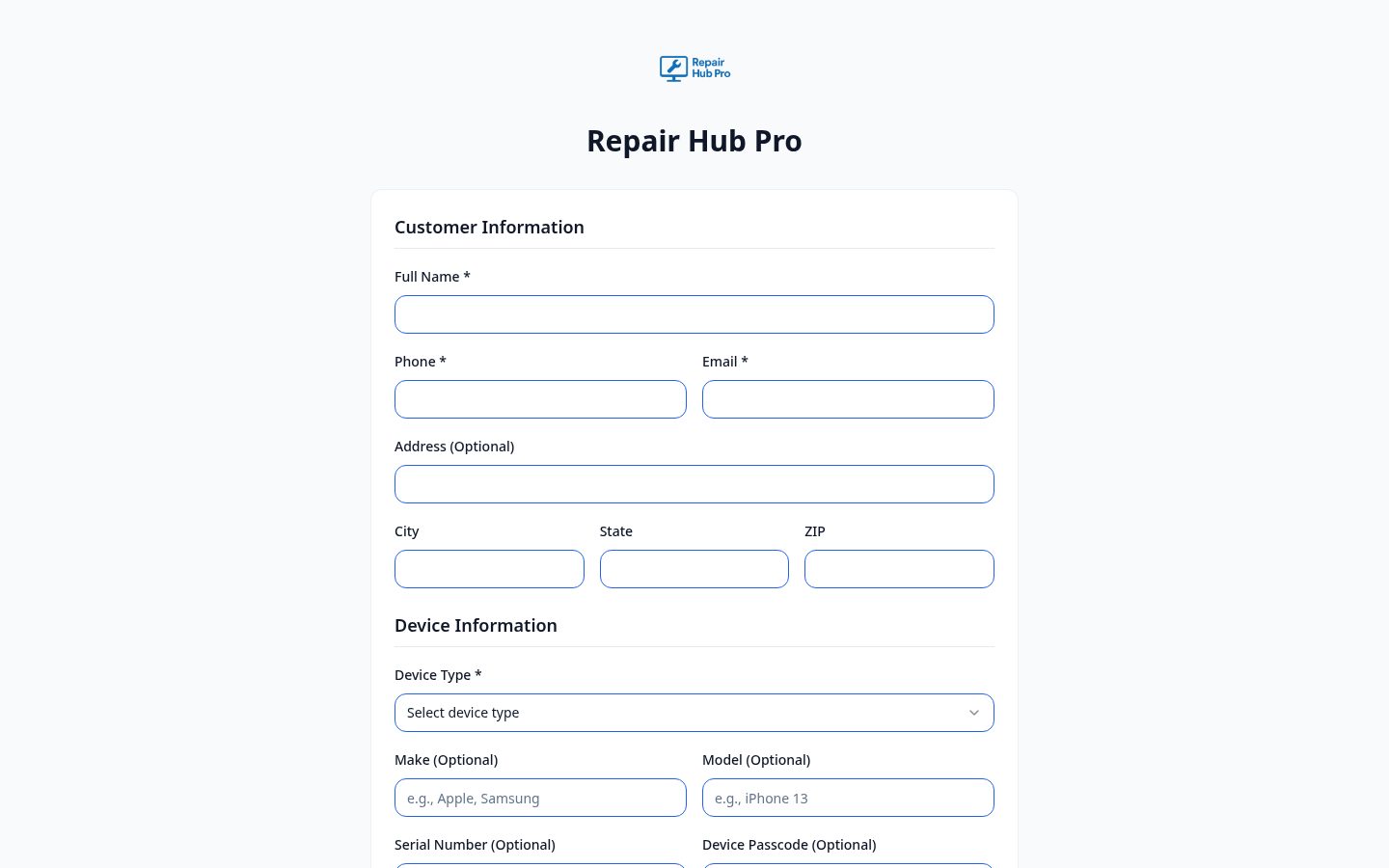
Check in devices
Open a ticket with device details, issue description and intake photos — at the counter or from your public check-in page where the customer starts it themselves.
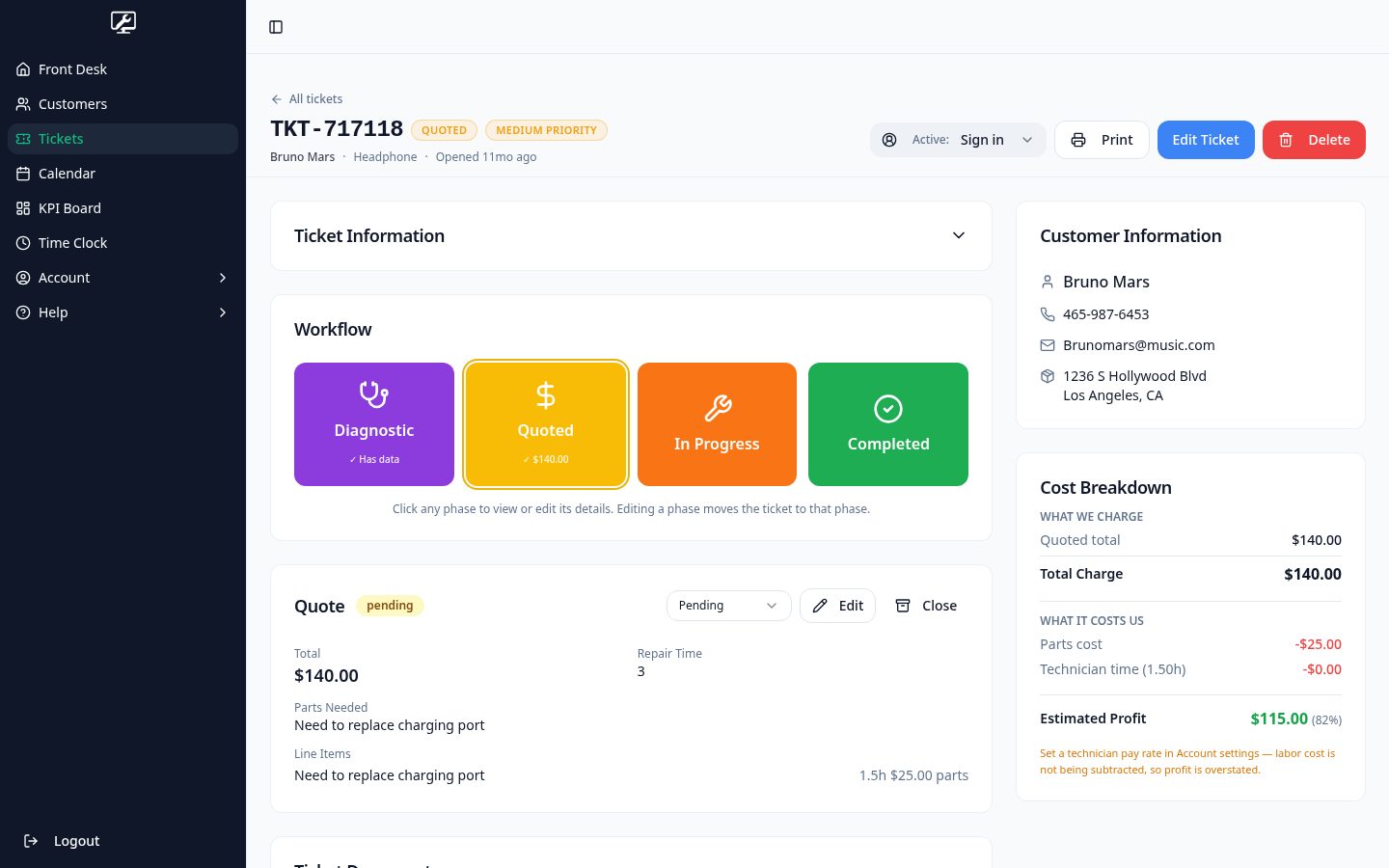
Diagnose and quote
Record findings as separate items with technician notes and photos. Build a line-item quote from parts, labor hours and flat-rate services, then generate a PDF and share a secure approval link.
Do the work
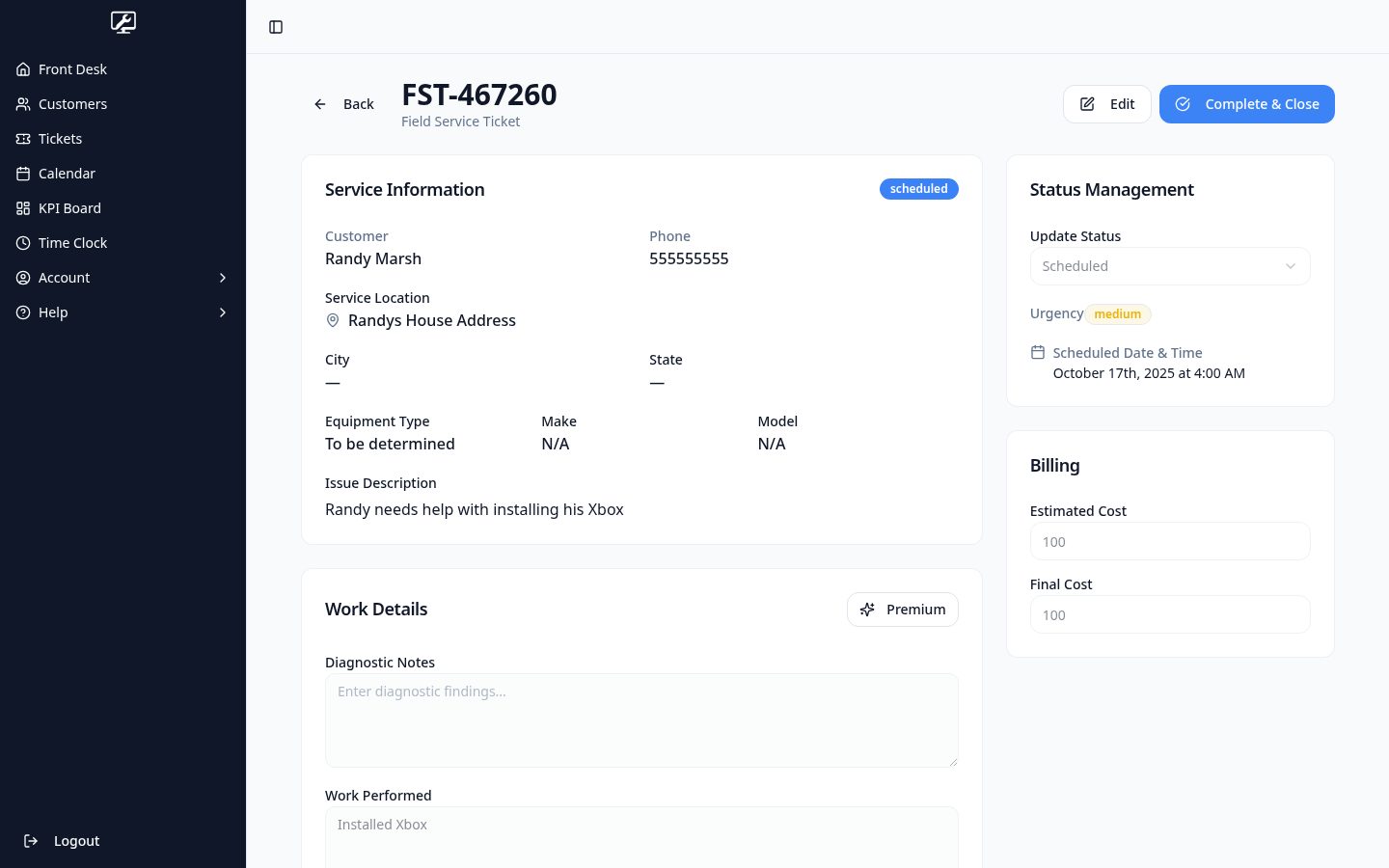
Move the ticket through its phases by dragging it on the board, tick off work items, log technician hours and keep notes as you go. Field service tickets carry the service address, scheduled window and assigned technician.
Close out and follow up
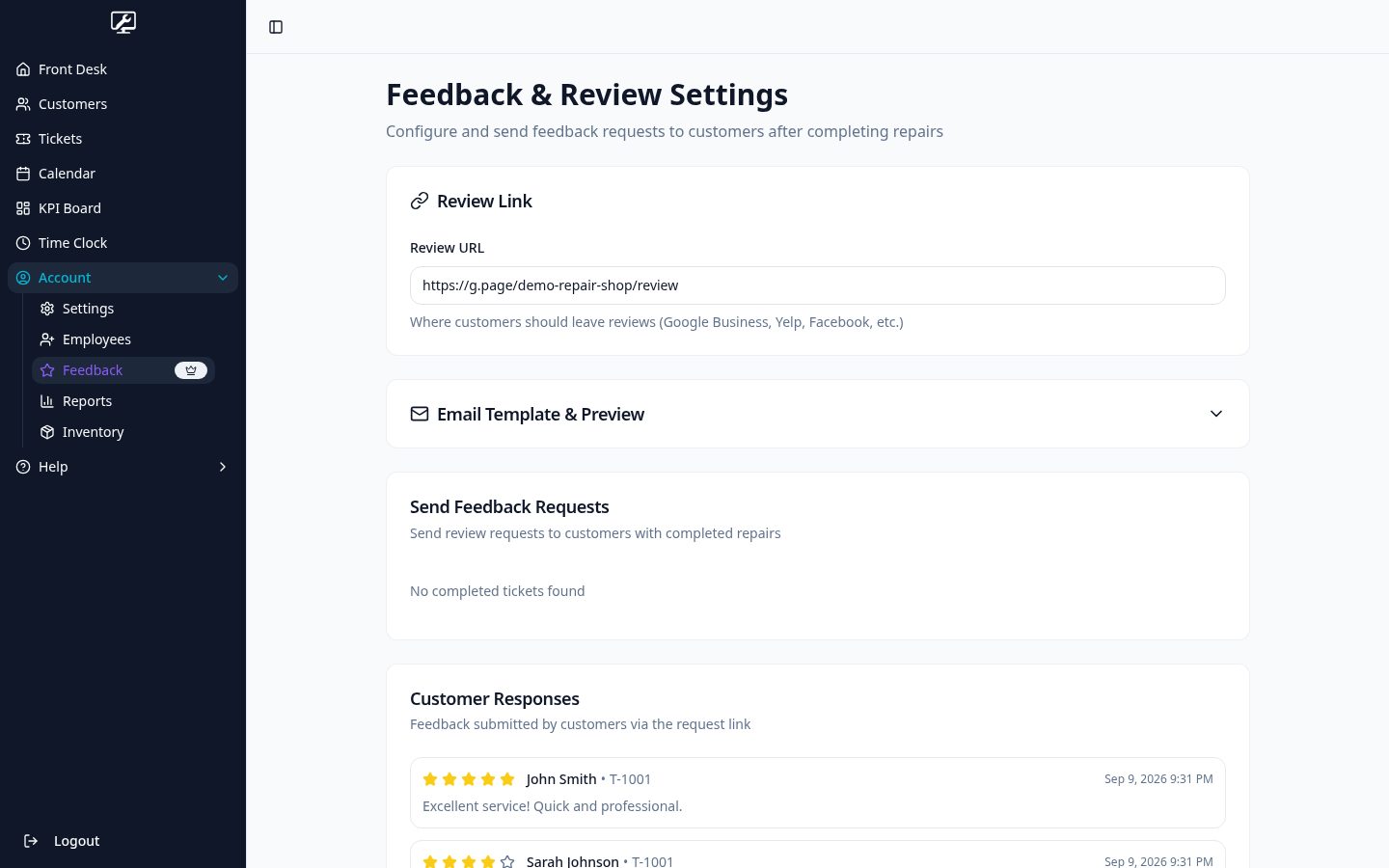
Mark the repair complete, set pickup status and send a rating request. Three stars or less opens a private comment box; four or more points the customer to your review link.
Read the numbers
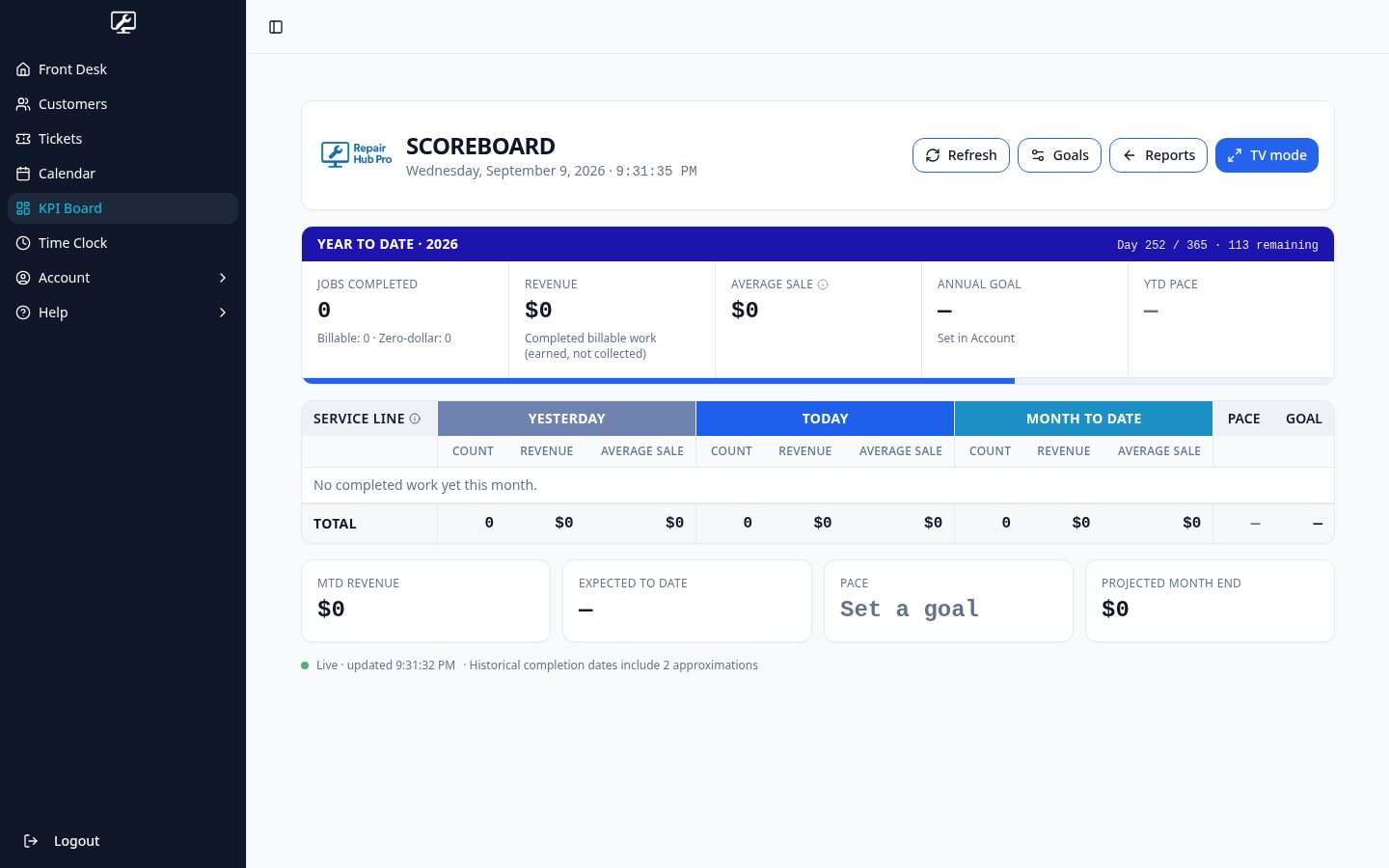
Operational reports show jobs intaken and completed, median turnaround, completed work value and service mix. The KPI scoreboard tracks today, month to date and year to date against your goals.
Any screen in the shop
Counter, bench and van — all at once
Repair Hub Pro runs in the browser on any device. The front desk can be open on the counter machine while a tech works from a tablet at the bench and a driver checks the next stop on a phone, all looking at the same live jobs.
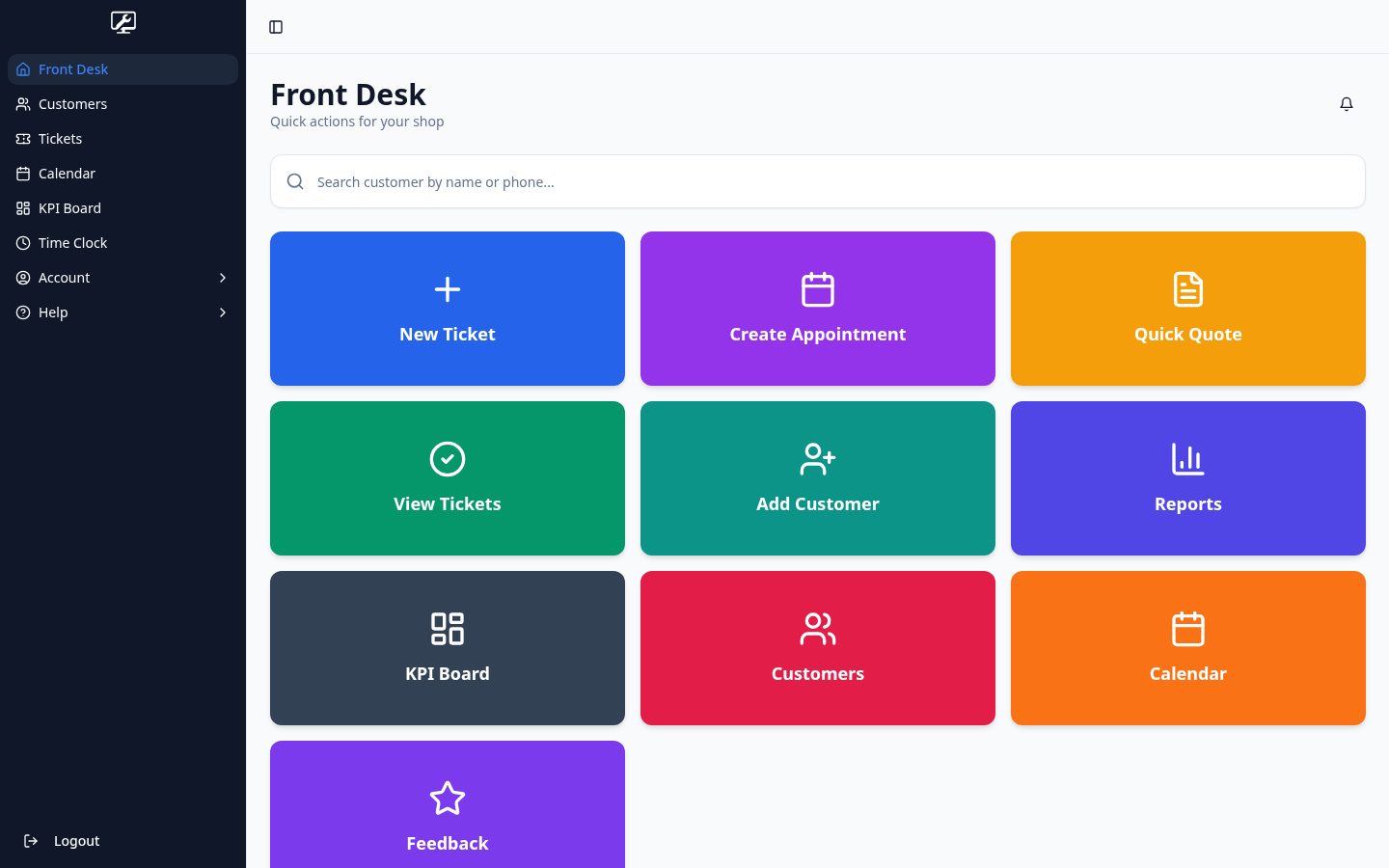
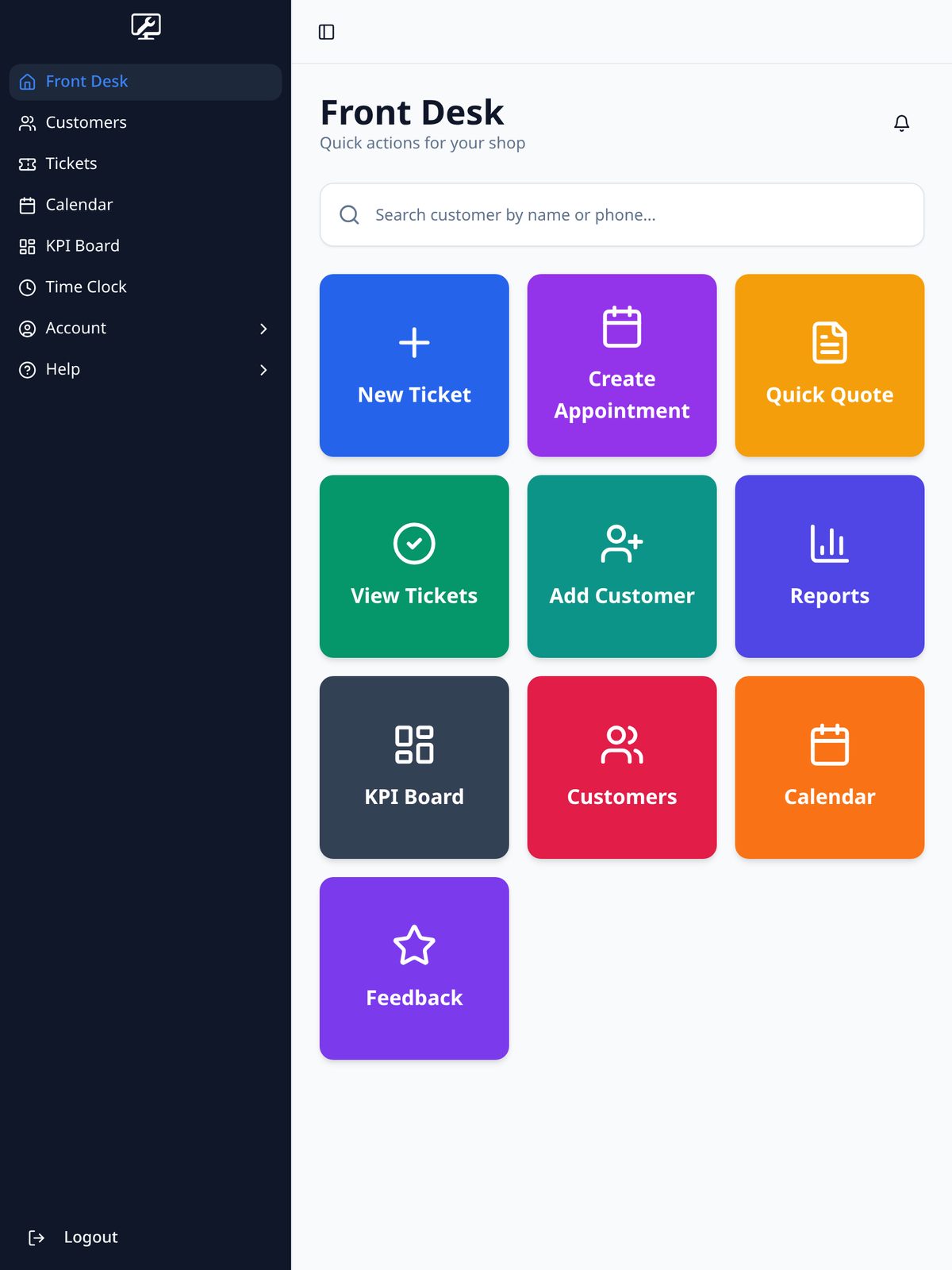
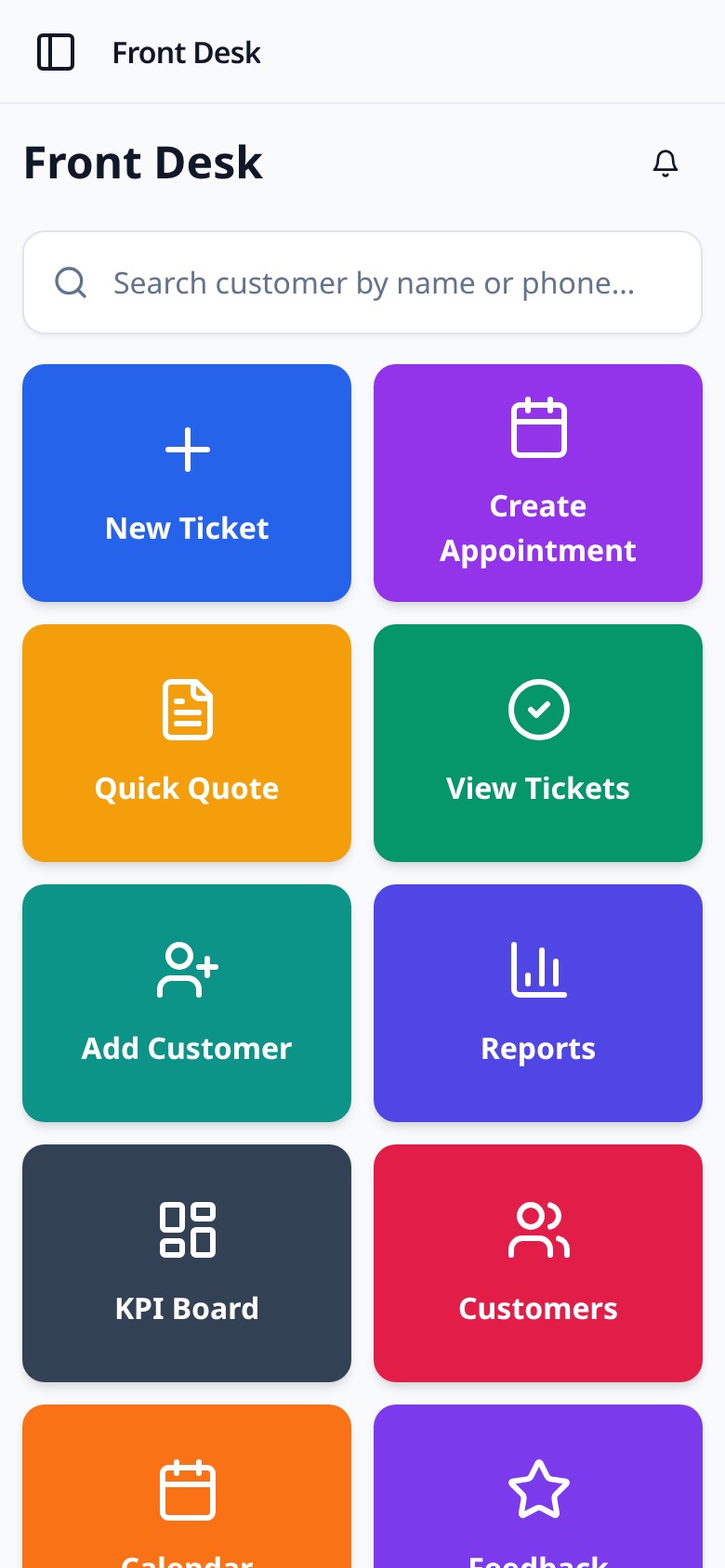
Screens show a sample shop with fictional customers and jobs.
A look inside the platform
Screens from the same sample shop, so you can see how the tools fit together.
Screens show a sample shop with fictional customers and jobs.
Why shops choose us
Built for repair shop operations
One record per job
Intake, diagnosis, quote, work, completion and follow-up all live on the same ticket, with a timestamped history of who did what.
Documents your customer can read
Quote, diagnostic and field service summary PDFs branded with your shop details, plus printable intake sheets and device labels.
Nothing gets lost
Every job sits in a phase on a board, tickets are searchable and filterable, and closed work stays in the customer's history.
The shop, not the ledger
Repair Hub Pro tracks the work, the schedule, the parts and the people. It is not a point of sale and does not process payments or keep your books.
Ready to get started?
Join repair shops already using Repair Hub Pro to manage their workflow.