
Features
Everything that happens between intake and pickup
Repair Hub Pro is an operations system for repair businesses. It tracks the work, the schedule, the parts and the people — it is not a point of sale, and it does not process payments or keep your books.
The job
From intake to pickup
The record that every other screen hangs off.
Track every job from intake to pickup
Repair tickets move through intake, diagnosed, quoted, in progress and completed on a board you can drag. Each ticket keeps the device details, work items, technician notes, photos and a timestamped activity history of who changed what.
Build quotes the customer can approve
Line-item quotes for parts, labor hours and flat-rate services, with a generated PDF and a secure approval link. Approved quotes carry their items into the work checklist so nothing gets rebuilt by hand.
Keep customer and device history in one place
Unlimited customer records with contact details, optional company name, address and every past job. Search by name or phone from the front desk and land straight on the profile.
Print what the counter needs
Printable ticket sheets, work orders and customer copies branded with your logo — including a 58 x 30 mm label format for device tagging.
The schedule
On-site work and appointments
Field jobs and in-store bookings on one shared calendar.
Dispatch and document on-site work
Field service tickets carry the service address, city and state, scheduled date and time, assigned technician, work performed and follow-up appointments — plus a summary PDF for the customer.
See the schedule the whole shop shares
In-store appointments and scheduled field visits sit on one calendar. Reschedule from the ticket and the calendar reflects it.
The shop
Parts, people and permissions
What you have on the shelf and who is on the clock.
Know what parts you have
Log stocked parts and serialized units with cost, price, quantity on hand and bin location. Movements record receipts, adjustments and the jobs that consumed a part.
Run a shared punch board
Employees clock in and out from one shop device with their PIN. Owners get timesheets with date, employee and status filters, totals and CSV export.
Give each person their own PIN
Technicians switch users with a PIN instead of signing in and out, actions are attributed to the right person, and owners choose which pages require a PIN at all.
Answer 'how do I…' inside the app
A built-in assistant answers questions about using the platform so a new hire can find their way without pulling you off the bench.
The numbers
Measure the work, not your books
Operational reporting from what the shop actually recorded.
Measure workload, turnaround and completed work
Operational reports cover jobs intaken and completed, median turnaround, completed work value, service mix and job economics for the period you pick — in your shop's time zone. CSV export is included on Premium.
Put goals on the wall
The KPI scoreboard shows today, month to date and year to date against goals you set, broken down by service line, with a TV mode for a shop display.
Collect ratings after the work is done
Send a feedback request tied to a finished ticket. Ratings of three or less open a private comment box for you; four or five point the customer to your review link. Nothing is posted automatically on your behalf.
A look inside the platform
Real screens from the product, captured in a sample shop. Nothing here is a mock-up.
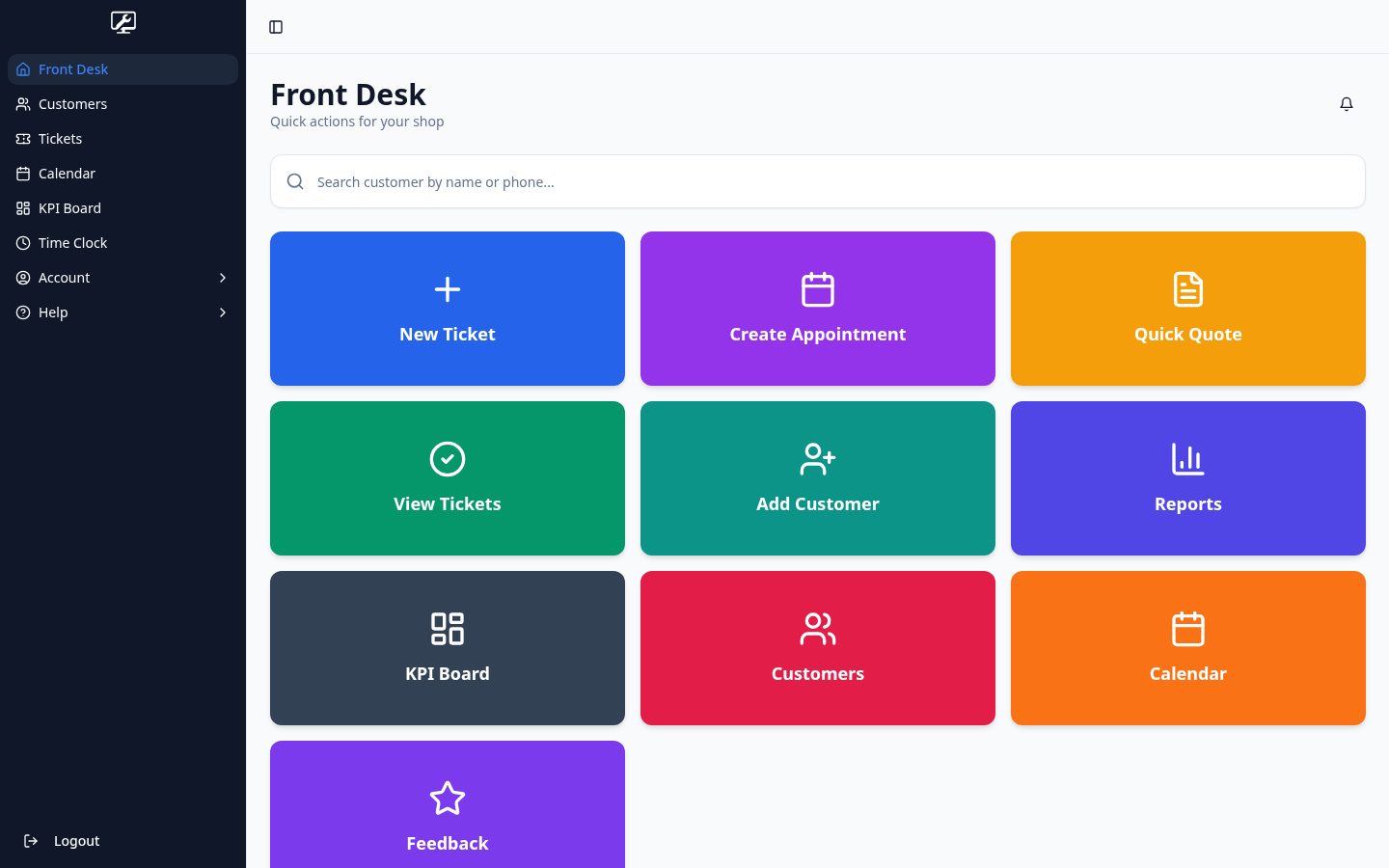
Screens show a sample shop with fictional customers and jobs.
Ready to run your repair shop on Repair Hub Pro?
Demo mode is free and needs no card. Put a job you ran last week through the board and judge it on your own workflow.